Meet VWAN: A smarter way to keep your smart meter connected

To understand connectivity, we must address how smart meters communicate. Smart meters work by utilising two wireless networks: the HAN (Home Area Network) and WAN (Wide Area Network).
WAN (also known as the smart meter network) is a secure digital system run by the Data Communications Company (DCC) that enables communication between us (your supplier) and your smart meter.
If you live somewhere with patchy or non‑existent mobile signal, you likely also have a low or non-existent WAN connection. Due to this, your smart meter may occasionally lose its connection
It’s frustrating, and it’s not your fault. Some homes simply don’t get enough cellular or radio coverage for smart meters to reliably send readings.
So we’ve been working on trialling something new...
A device that helps your meter stay connected even when mobile networks are unreliable.
Say hello to VWAN (Virtual WAN)
A clever new way for your smart meter to communicate using your home Wi‑Fi instead of a mobile signal.
Introducing VWAN
Across the UK, the 2G network will be phased out by the end of 2033, which may affect your current smart meter’s connectivity.
The solution is an upgraded 4G smart meter network, and for most homes, this ensures smart connectivity continues (or even improves).
But for rural and hard‑to‑reach areas with no usable 4G signal, that simply isn’t an option.
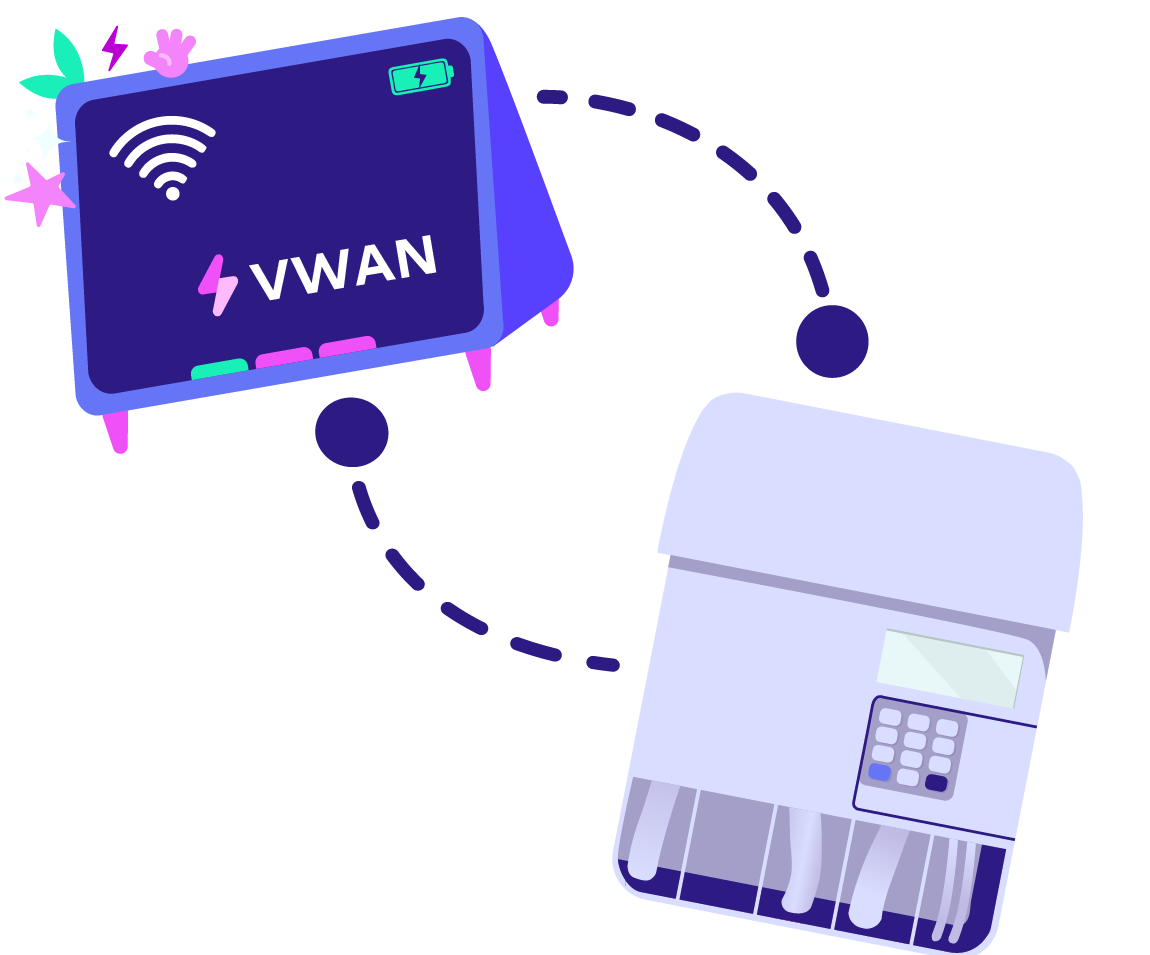
That’s where VWAN comes in. Instead of relying on mobile networks, your smart meter can use your home broadband to securely send your energy readings.
It’s simple, secure, and designed especially for homes where mobile coverage is low or non‑existent.
Who can have VWAN?
Right now, VWAN is being trialled in small batches and is only suitable for homes with both these conditions:
No or little 4G signal
A stable Wi‑Fi connection (that is accessible at the meter location)
Currently, we are limiting applicants whose smart meters struggle to connect and produce very intermittent readings.
How do we install your VWD?
Installing a VWD is quick and easy - we’ll likely be in and out in about an hour:
First, one of our trusted engineers will install the small VWD in your home.
They’ll securely connect the VWD to your Wi‑Fi.
The VWD will then be paired with your smart meter (it needs to stay within 5 metres of it!).
Finally, they’ll make sure everything is talking to each other before they leave.
Is my data safe?
Absolutely. Your privacy is incredibly important to us.
We cannot see your browsing history
We cannot access your files or passwords
We cannot see what devices are connected to your Wi‑Fi
Your Wi‑Fi is used only to send your encrypted meter readings, nothing more.
All messages using the VWAN method are still protected by the same security mechanisms that apply to all smart meters.
What happens if my Wi‑Fi goes down?
No stress! Your energy supply won’t be affected.
Your meter will simply store your readings and send them when the connection is back up and running.
Any other issues? Try checking:
Is the VWD plugged in and powered on?
Has anything changed with your router or password?
Is the device still within 5 metres of your smart meter?
Things still not working on your end? Give us a shout, and we’ll take a look!
A quick heads‑up
Because VWAN is brand-new, we’re learning and troubleshooting it every day.
We might not be able to smooth out every bump in the road straight away, but our team will always do whatever it takes to help. Got an issue? Let us know.
The future of smart meter connectivity
As the old mobile networks retire, innovative tech like VWAN is stepping up to keep our smart meters connected, especially in those hard-to-reach areas.
This trial is just the beginning, and we’re incredibly excited to welcome more customers on board.
Frequently asked questions
No - your energy supply doesn’t depend on Wi‑Fi or mobile signal. VWAN only affects how your meter sends readings.
Not at all. Smart meters use tiny amounts of data - far less than loading a single web page. You won’t notice any difference in your internet speed.
If your wifi connection changes in any way, you will need to add your new details to your VWD.
You can update them on the device’s screen - or we can help if you get stuck.
First, check what type of IHD you have - the Chameleon IHD 7 or the SeeZero.
The SeeZero logo on your device is the giveaway here! If your device doesn't have that logo, it will be an IHD 7.
Chameleon IHD 7:
From the home screen, tap the menu button in the bottom right corner.
Scroll through the menu and select Settings.
Tap Wi-Fi.
Tap Scan to search for available Wi-Fi.
Select your property’s Wi-Fi network from the list.
Enter the Wi-Fi password.
Once that’s done, tap “Join”, and your device will connect to Wi-Fi
SeeZero:
From the home screen, go to Menu > Settings > Wi-Fi Network.
Tap Search for networks to find available Wi-Fi.
Select your preferred Wi-Fi network from the list.
Enter the Wi-Fi password, then tap Confirm.
Wait a few moments while your VWD connects.
Once connected, your VWD will confirm it’s successfully joined the network
Nope! Taking part in this trial won't cost you a penny.
All over Great Britain! Especially in areas with tricky mobile coverage.
However, we are currently in the trial stage and rolling out VWAN in small batches to customers whose smart meters produce very intermittent readings.
Just let us know. We’re always happy to help.
Published on

Rebecca Gillespie
Product and Marketing Delivery Lead